
e-Aadhaar Download: Get Your Digital Aadhaar Card
Download your e-Aadhaar PDF securely from the official UIDAI portal without logging in.
Download e-Aadhaar NowWhat is e-Aadhaar?
e-Aadhaar is a password-protected electronic copy of your Aadhaar letter. It is digitally signed by the competent authority of UIDAI and is as valid as the physical Aadhaar card for all purposes.
Step-by-Step Guide to Download e-Aadhaar
Step 1: Choose Your Method
You can download your Aadhaar using your 12-digit Aadhaar Number, 28-digit Enrolment ID (EID), or Virtual ID (VID). Select the appropriate option on the download page.
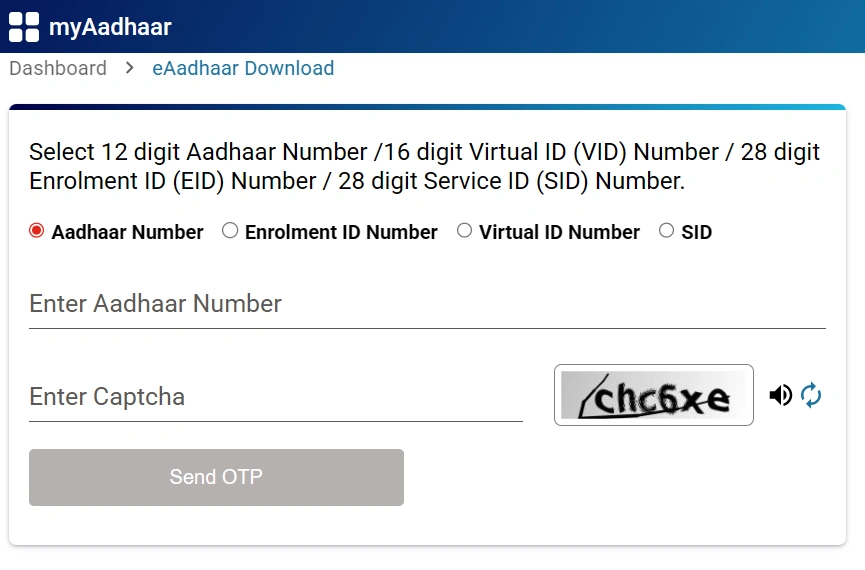
Step 2: Enter Details & Captcha
Enter your Aadhaar number and the captcha code shown on the screen. If you want a "Masked Aadhaar" (which hides the first 8 digits), check the box labeled "Do you want a masked Aadhaar?".
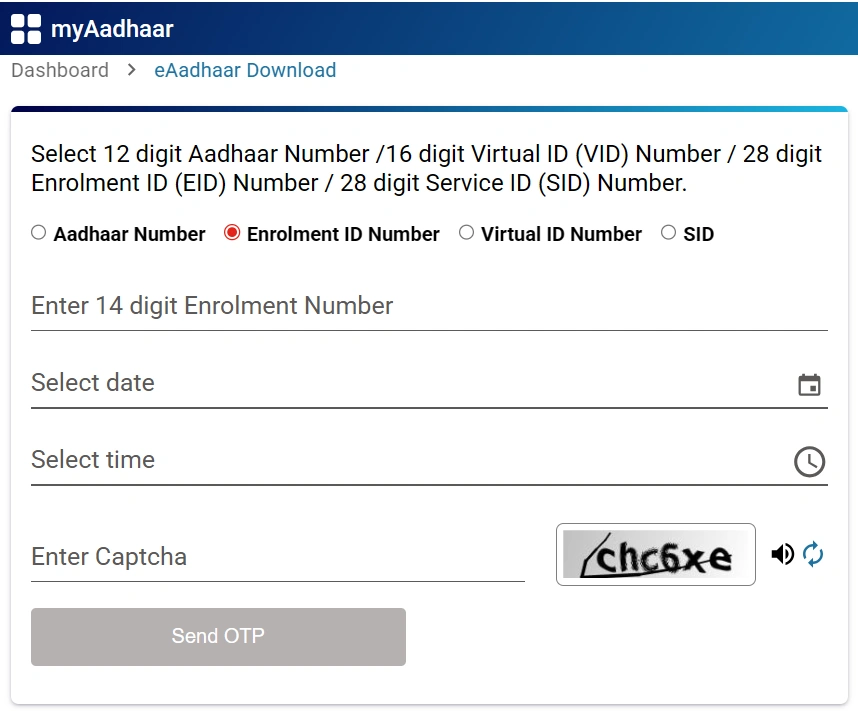
Step 3: Verify OTP
Click on "Send OTP". A one-time password will be sent to your registered mobile number. Enter this OTP to verify your identity.

Step 4: Download & Open PDF
Click "Verify & Download". Your e-Aadhaar PDF will be downloaded.
Important: The PDF password is the first 4 letters of your name (in CAPITAL) and your birth year (YYYY).
Example: If your name is ANISH KUMAR and birth year is 1989, the password is ANIS1989.
